Virtual Conferencing
Conquering lighting, reflections and angles of our computers and making them compatible with our existing glasses.

Modern workplaces are marvels of innovation. We can collaborate across continents, attend meetings from virtually anywhere, and spend our days navigating a dazzling array of digital tools. Yet amid all this technological progress, one surprisingly overlooked factor continues to affect employee comfort, productivity, and well-being: the visual environment.
At OC Optometry Group, we often meet patients who assume that eye strain, headaches, blurred vision, and fatigue are simply unavoidable parts of office life. In reality, workplace lighting and screen settings play a substantial role in visual comfort, and many employers are increasingly receptive to reasonable adjustments that support employee health.
Lighting is the silent architect of visual comfort. When it is thoughtfully designed, it fades into the background, allowing us to work effortlessly. When it is poorly positioned or excessively bright, however, it can become a constant source of irritation.
Overhead fluorescent lighting, harsh LED fixtures, and sunlight reflecting off computer screens can create glare that forces the eyes to work harder. This increased visual demand may contribute to symptoms such as:
While these symptoms may seem minor at first, they can gradually affect both comfort and productivity throughout the workday.
Just as lighting influences how we see our surroundings, screen settings influence how our eyes interact with digital content.
Many devices arrive with brightness levels that are either too high or too low for the surrounding environment. Poor contrast settings, small text sizes, and improperly positioned monitors can all contribute to digital eye strain.
The average office worker spends hours each day shifting focus between screens, documents, and distant objects. This constant visual choreography places significant demands on the visual system. Small adjustments can often make a remarkable difference.
Examples of helpful modifications include:
Many employees hesitate to bring up visual discomfort because they worry about appearing demanding. However, requesting reasonable accommodations for eye comfort is both practical and professional.
When discussing concerns with a supervisor or human resources representative, focus on how adjustments can support both well-being and performance.
A productive conversation might include:
For example, rather than saying, “The lights bother me,” you might explain that glare from overhead lighting is causing headaches and reduced visual comfort during computer-intensive tasks.
Employers are often more receptive when concerns are framed as solutions that enhance workplace effectiveness.
Sometimes workplace discomfort is not solely an environmental issue. An underlying vision problem, uncorrected prescription, binocular vision issue, or dry eye condition may be contributing to symptoms.
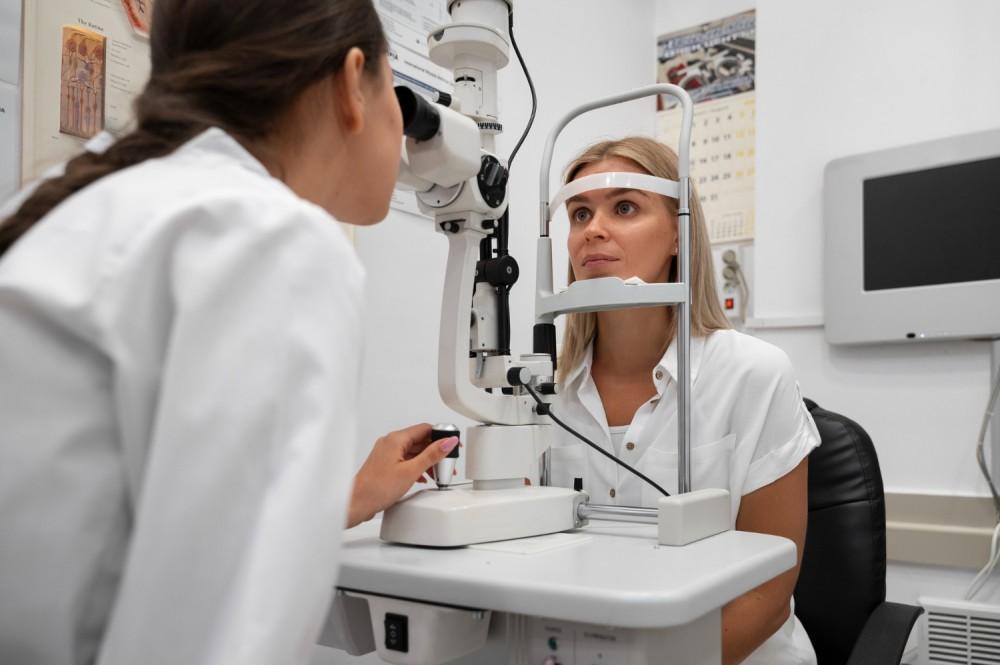
A comprehensive eye examination can help identify whether your visual challenges stem from your environment, your vision, or a combination of both. In some cases, your optometrist may also recommend specific workplace accommodations based on your visual needs.
The ideal workplace is not merely efficient—it is comfortable, supportive, and designed with human well-being in mind. Thoughtful lighting and screen adjustments are often simple changes that yield meaningful improvements in visual comfort.
If you find yourself squinting through the afternoon, battling persistent headaches, or feeling exhausted after a day at the computer, consider taking a closer look at your visual environment. Your eyes work tirelessly on your behalf; a few workplace adjustments may be exactly what they need to perform at their best.
Contact our office in Irvine or Newport Beach at (949)-854-7122 or (949) 476-2870 to book an appointment.